Compress images in your browser
Drop a JPG, PNG or WebP and Tinier shrinks it locally on your device using WebAssembly — most photos come out 60–80% smaller with no visible loss. Nothing leaves your device, there is no signup, and no rate limit. Privacy here is structural, not a promise in a policy.
How does Tinier compress images in your browser?
When you drop an image, Tinier reads the file into memory and runs it through a WebAssembly compression engine inside a Web Worker so your interface never freezes. JPG goes through MozJPEG (Mozilla's optimized JPEG encoder). PNG goes through OxiPNG, a Rust-based lossless PNG optimizer. WebP goes through libwebp, Google's official WebP codec. All three are open source. The WASM modules are lazy-loaded only for the formats you actually use, so the initial page weight stays small.
Because everything runs locally, you can disconnect your internet after the page loads and the tool keeps working. That is the honest test of "no upload" — and it is one most online image compressors would fail. Privacy here is structural, not a checkbox in a privacy policy you have to trust.
Browser-only vs server-side image compression
Most "online image compressors" upload your file to a server, process it there, and send a smaller file back. That round-trip adds 5–30 seconds depending on your connection, and your image sits on someone else's hardware until they decide to delete it.
A browser-only compressor does the work on your device. It is faster on photos under 10 MB because it skips the upload and download. It is private by construction, not by promise. The trade-off is that very heavy compression modes (like quantized PNG output, which can save 40–50% on flat illustrations) are impractical inside the browser today. Tinier is honest about this: lossless PNG savings are 10–20%, not the inflated numbers server-side tools quote.
Compress JPG photos up to 70% smaller — without uploading
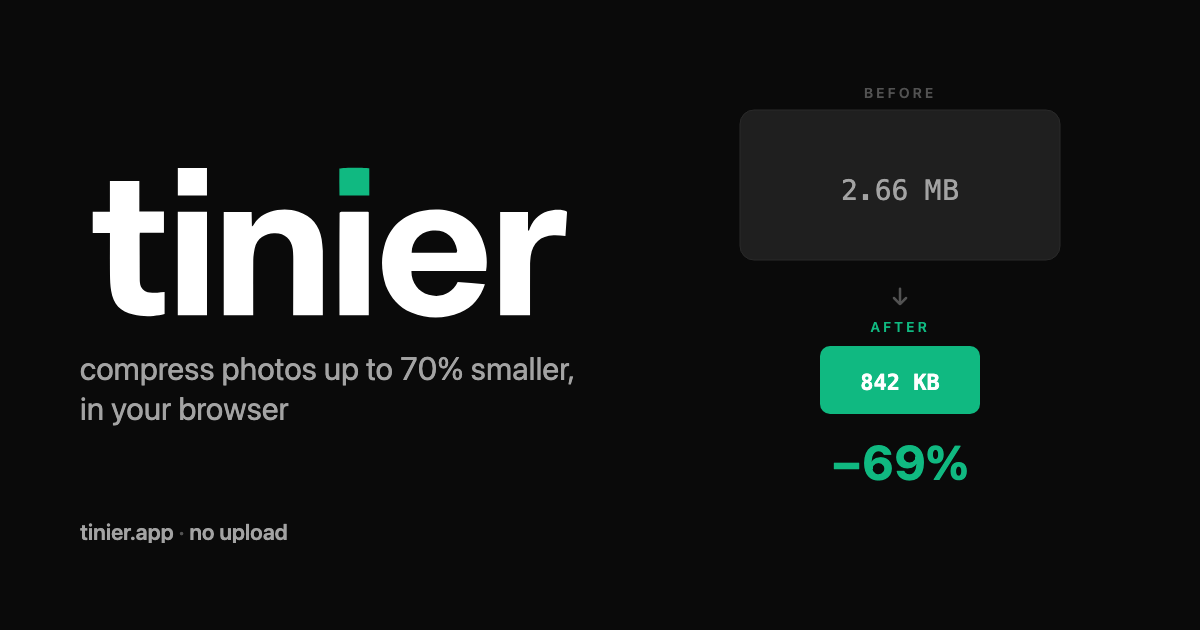
JPG is where Tinier shines. On a typical 3 MB photo at the default quality of 75, MozJPEG produces a file 60–80% smaller with no perceptible quality loss — without uploading the photo anywhere. The quality slider goes from 1 to 100 and you control it directly: no hidden "auto" mode that decides for you, no server-side guess. The before/after comparator is built in so you can see exactly what you are giving up. Honest control, real numbers.
Frequently asked questions about image compression
Are my images uploaded to a server?
No. All compression happens inside your browser using WebAssembly. Your images never leave your computer. You can disconnect your internet after the page loads and the tool still works.
What image formats does Tinier support?
JPG, PNG and WebP for both input and output. The output format matches the input — Tinier does not silently convert your PNG to JPG to inflate the savings number. To change format on purpose, use the image converter.
Is there a file size limit?
Each file can be up to 50 MB. You can compress 1 to 10 images at a time. Larger files take more memory and may take longer depending on your device. There is no paywall on file size: 50 MB is the practical limit of browser memory, not a marketing decision.
How much smaller will my images get?
JPG photos typically compress 60–80% with no visible quality loss at the default quality of 75. PNG images compress 10–20% losslessly. WebP images compress 25–35%. The exact savings depend on the content of the image — a photo with lots of smooth gradients compresses more than a flat illustration. When an image cannot be compressed further, Tinier tells you honestly instead of pretending.
Do I need to sign up or pay?
No. Tinier is free, with no account and no rate limit. There is no daily quota, no watermarks, and no email capture. A future Pro tier will offer server-side quantized PNG output for cases where browser-only compression is not enough — but the free browser tool stays free, no strings.
How does Tinier compare to other online compressors?
Most online compressors upload your image to a server and process it there. Tinier processes everything locally in your browser, which makes it faster on photos under 10 MB (no upload, no download) and private by construction. On JPG photos, Tinier produces files within a few percent of the best server-side tools, often in half the wall-clock time. For PNG, server-side tools that claim "lossless" usually quantize the image to a smaller palette, which saves more but is not actually lossless. Tinier's free tier stays truly lossless and will offer quantization as an explicit, opt-in mode later — never disguised as something it is not.
Format-specific guides & related tools
- Compress JPG — lossy compression with MozJPEG, real quality slider, EXIF stripping.
- Compress PNG — lossless optimization with OxiPNG, no quantization disguised as lossless.
- Compress WebP — Google's modern image format, encoded by libwebp in your browser.
- Convert images — change format between JPG, PNG, WebP and SVG.
- Image compressors compared — an honest look at where Tinier wins and where it does not.